

Step 1: Client side
In the portal footer, choose English or Français. It’s remembered for next time.
Step 2: Firm side
In People, set a person’s preferred language so emails arrive in it.
Step 3: Templates
Add a French version of each request and message template. If one is missing, we show the English version and flag it to you.
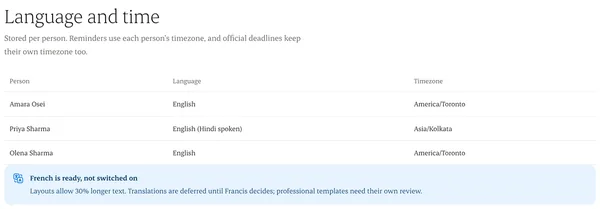
Written from the Casevoya product specification (Client portal, §2 locales). Screens and wording may change before launch.