

Step 1: Add the person to the matter
People › Add person. Choose their role: sponsor, dependant, guardian or employer contact.
Step 2: Invite adults separately
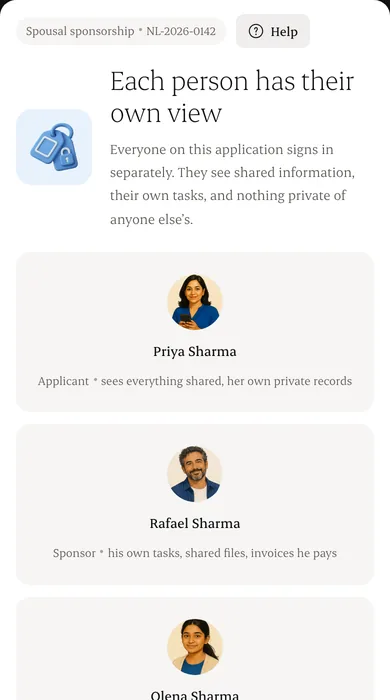
Each adult gets their own invitation and gives their own consent.
Step 3: Set what is shared
Shared items appear for everyone on the matter. Private items stay with their owner and your staff.
Step 4: Check the view
Use “View as” to see exactly what each person sees.
Written from the Casevoya product specification (§5 family permissions). Screens and wording may change before launch.