

Step 1: Mark a no-show
On the appointment, choose No-show. The lead gets a follow-up task.
Step 2: Close a lead as lost
Choose Lost and pick a reason: price, timing, chose another firm, not eligible, or other.
Step 3: Add a note if useful
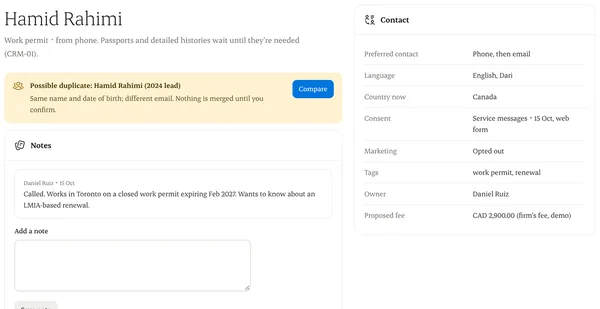
Notes are internal and never shown to the person.
Written from the Casevoya product specification (CRM-03, CRM-02). Screens and wording may change before launch.