

Step 1: Add the lead
Pipeline › New lead, or let your enquiry form create it automatically.
Step 2: Check for duplicates
If we spot a likely match, we show it. Nothing merges until you confirm. We never merge just because two people share a family email.
Step 3: Assign and add a follow-up
Pick an owner and a next task with a date.
Step 4: Move it along
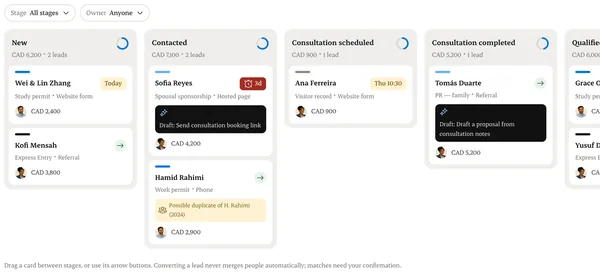
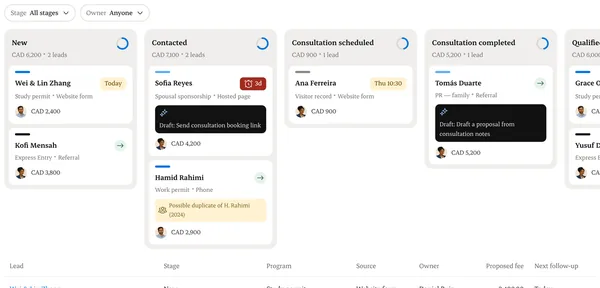
Drag the card between stages, or use the stage menu. Each move records who and when.
Step 5: Convert to a matter
Once the service agreement is signed, choose Convert. The lead’s history comes with it.
Written from the Casevoya product specification (CRM-02). Screens and wording may change before launch.