


Step 1: Open your profile menu
Choose Security.
Step 2: Pick a method
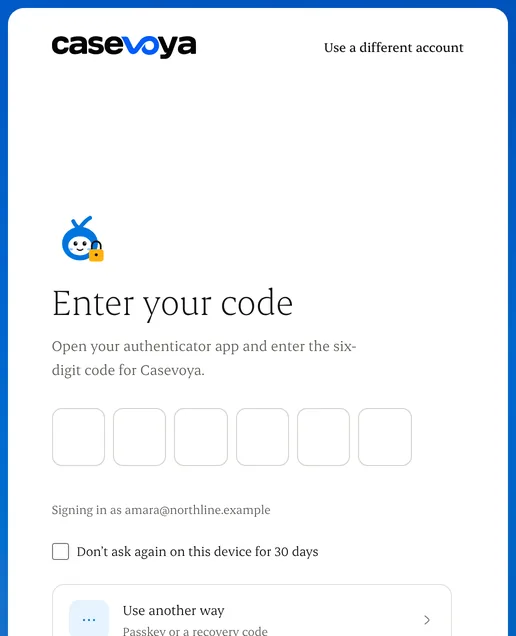
A passkey on your phone or laptop, or an authenticator app that shows a 6-digit code.
Step 3: Confirm it works
Sign in once more with the new method.
Step 4: Save your recovery codes
Store them somewhere safe and offline. Each code works once.
Written from the Casevoya product specification (ORG-02, SEC-01). Screens and wording may change before launch.