

Step 1: Open the matter, then Billing
Choose New invoice.
Step 2: Add lines
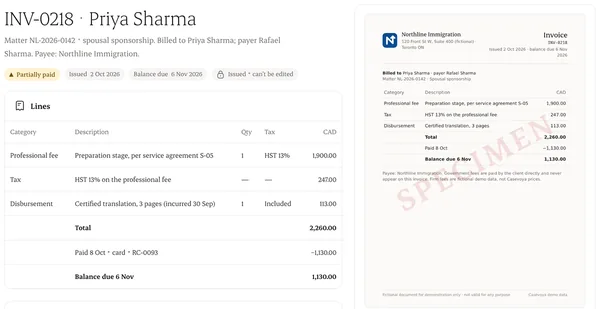
Professional fees, disbursements and taxes, each on its own line. Government fees are shown separately.
Step 3: Check the services are recorded
An earned-fee invoice needs delivered services or incurred costs behind it. Before that, use a quote or an advance request.
Step 4: Issue it
The client sees it in Payments, with your firm named as the payee.
Written from the Casevoya product specification (FIN-06, FIN-07). Screens and wording may change before launch.