
Step 1: Upload the letter to the matter
Mark it as a government letter.
Step 2: Record the dates
The letter date, the date you received it, and the deadline it gives.
Step 3: Link the source
The deadline points back to the exact letter, so anyone can check it.
Step 4: Create tasks
For the client, your team, or both. Client tasks appear in their portal with the due date.
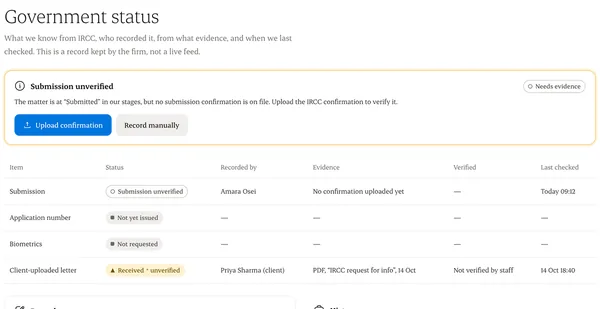
Written from the Casevoya product specification (OPS-02, GOV-04). Screens and wording may change before launch.