
Step 1: Open the matter
Choose Export.
Step 2: Confirm with your second step
Exports always ask for two-step sign-in again.
Step 3: Watch the progress
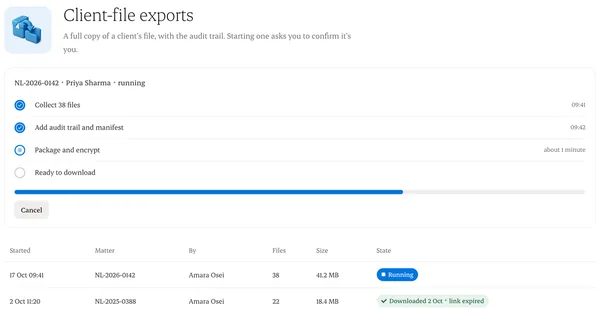
The export runs in the background. You can leave the page and cancel at any time.
Step 4: Download
You get a notice when it’s ready. The link expires, and the download is logged.
Written from the Casevoya product specification (SEC-10, POST /exports). Screens and wording may change before launch.